While a role determines what a user can do in the system (such as viewing reports or managing content), a cohort determines who they can do it to. For example, someone with the Supervisor role can access compliance reports — but the cohort they’re assigned to defines which users they’ll see in those reports.
Thanks to TeamAlign™, cohorts are often created automatically when your learning environment is integrated with your HR systems, such as an HRIS, HCM, or Active Directory. This saves time and ensures that reporting lines and access are always up to date.
That said, you can also create cohorts manually to represent users by department, role, or function — and assign specific administrators to manage them.
Step-by-step Guide
To manually add a cohort:
-
Go to Site Administration > Users > Cohorts
-
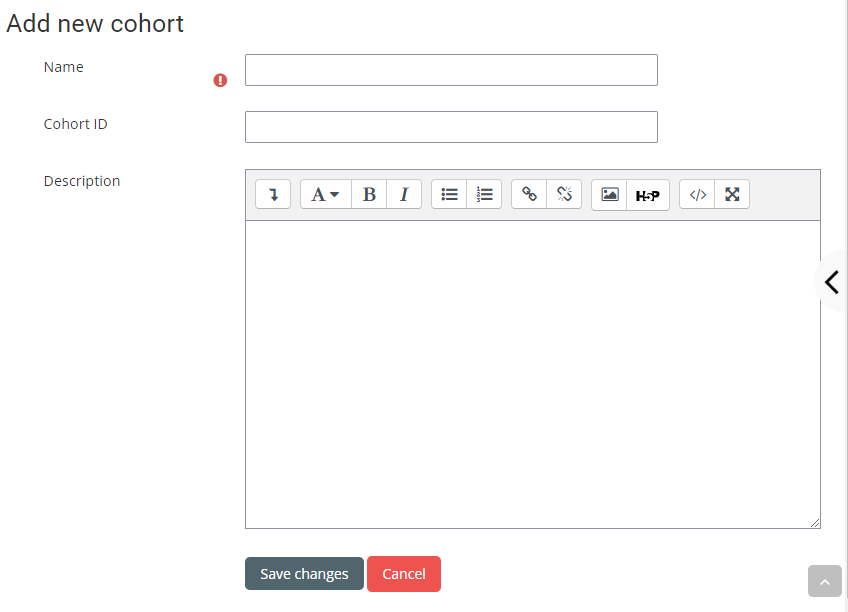
Click on the "Add new cohort" tab
-
Give it a name (mandatory) and Cohort Id / Description (optional)
-
Click on "Save changes" at the bottom of the page