
One of the key tasks you will be doing as a System Coordinator is managing users. The learning environment has advanced search tools to help you find users.
Step-by-step Guide
To find a user (simple method):
-
Go to Site Administration > Users > Accounts > Browse list of users
-
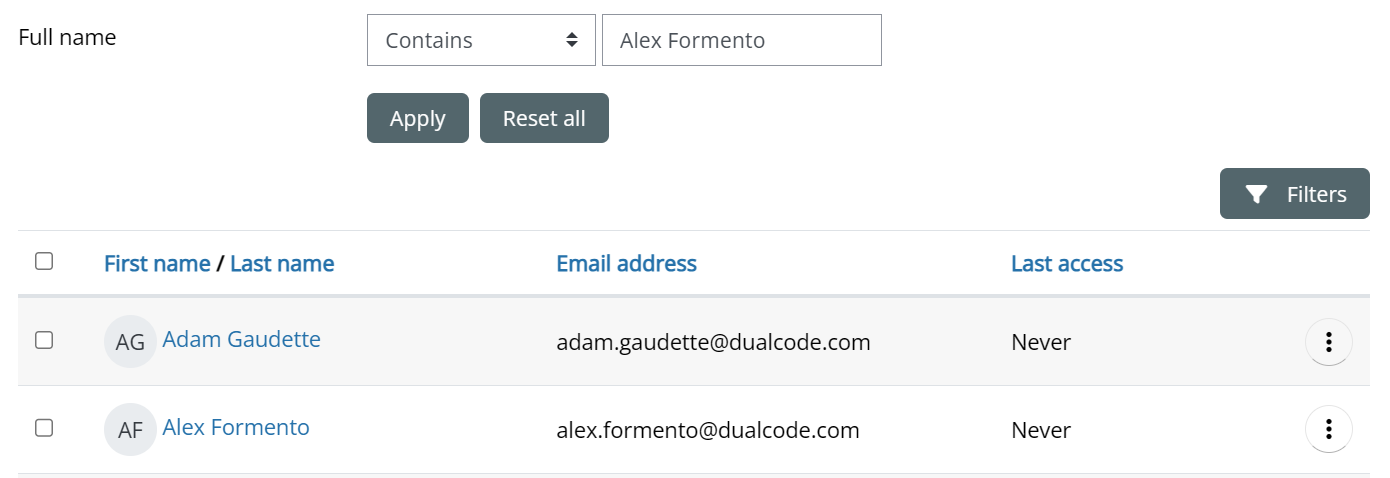
Enter a value in the "User full name" field.
-
Click on the “Apply” button
Important Notes
-
If too many users are returned, you can add additional filters by clicking on the “Filters” button on the right side of the screen. Note that filters are incremental. In other words, if you have two filters, the learning environment will search for users that match all filters. If you can't find the user in question, you may need to delete some of your filters.